Import Scripts.
Import Schedules.
Attach Files to Scenes.

Scene Cards turns shooting scripts into a visual production tool. Import PDFs, build your card wall, attach stills, track your schedule, and share with crew in real time.
macOS, iOS & Android.

Everything you need in one place. With its scene.

01

Script Import

Drop a PDF or FDX. Script panel opens the script (sides) for each scene, each character can be colour annotated and script can scroll teleprompter style.

02

The Wall

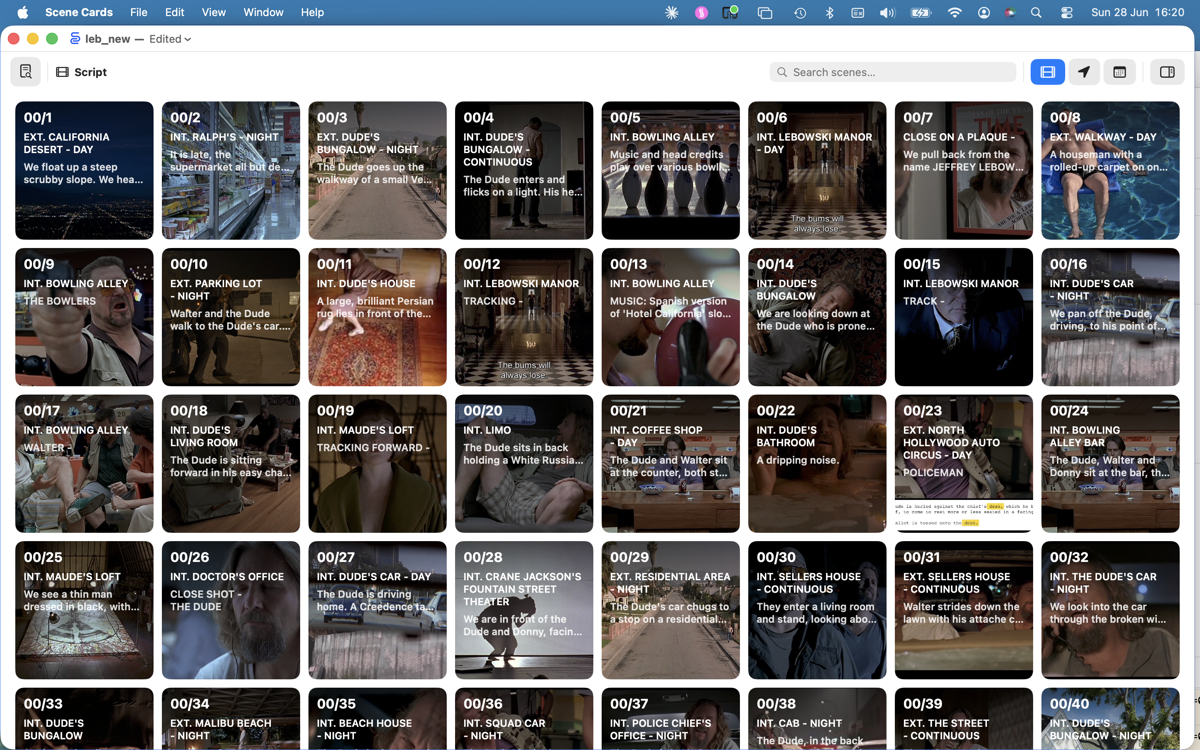
Your scenes laid out as cards on a visual wall. Drag to reorder, colour-code by episode. Attach photos to any scene — batch import by filename, drag from Finder or Photos.

03

Location View

See your scenes grouped by location. Instantly find every scene at a given set, perfect for tech recces and shoot planning. Directly add photos, videos and any file to each location.

04

One-Liner Schedule

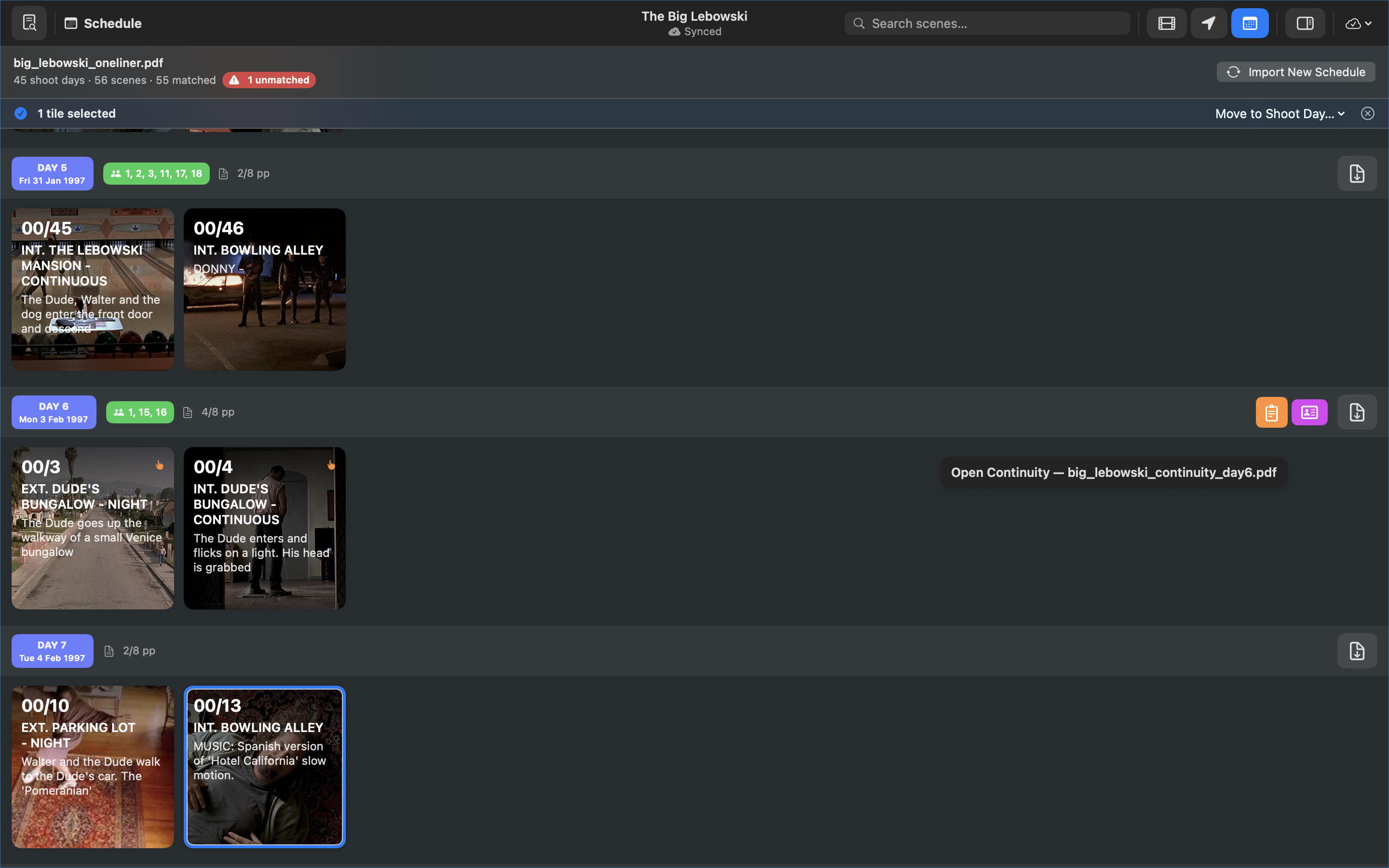
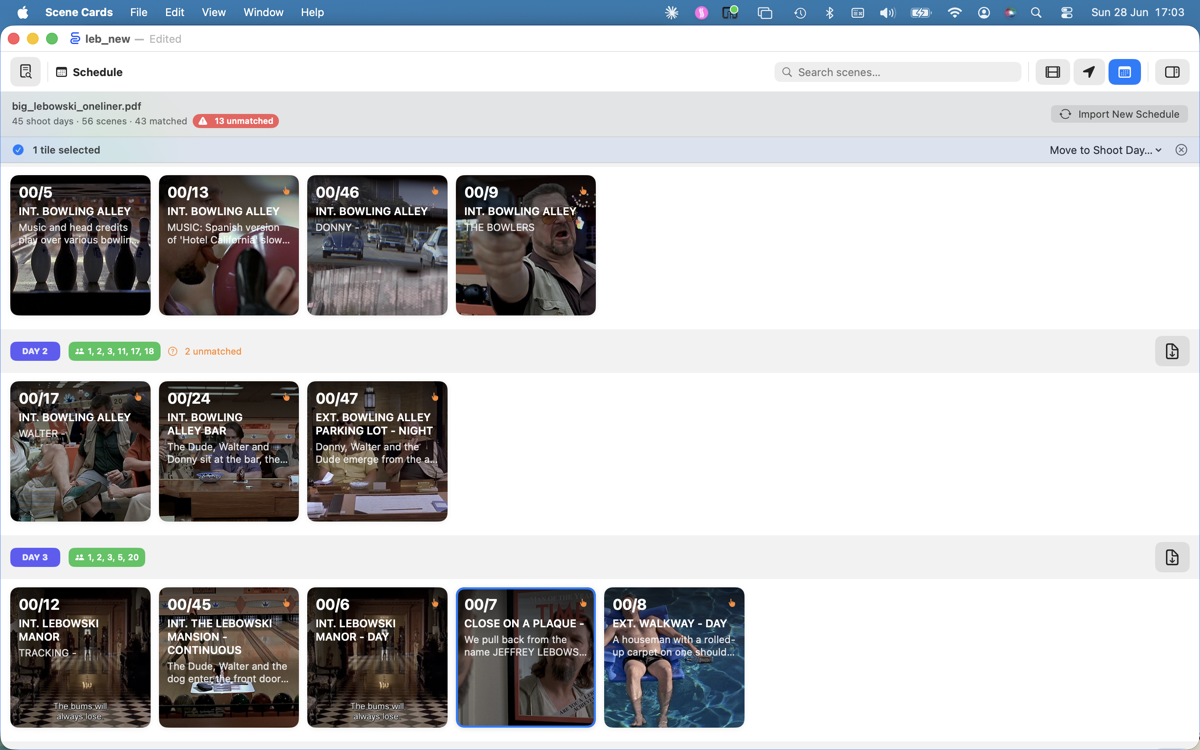
Import your shooting schedule PDF. Scene Cards maps scenes to shoot days, so you can see what's coming and what's been covered.

05

Reference Library

Attach unlimited reference files to each scene — PDFs, images, audio, stills and video direct from camera. Everything lives right where you need it.

06

Daily Reports

Import shoot reports — continuity, sound, and camera/DIT reports are split apart and filed into their matching scenes automatically. Continuity reports also update your schedule to reflect which scenes were actually shot.

07

Cloud Walls

Share your wall with crew on any platform. Cards, schedules, and shoot reports sync live across macOS, iPhone, iPad, and Android the moment edits are made — private to your production, visible only to crew you invite. Or skip live sync and import just the data you need from any project's snapshot.

Three steps. That's it.

01

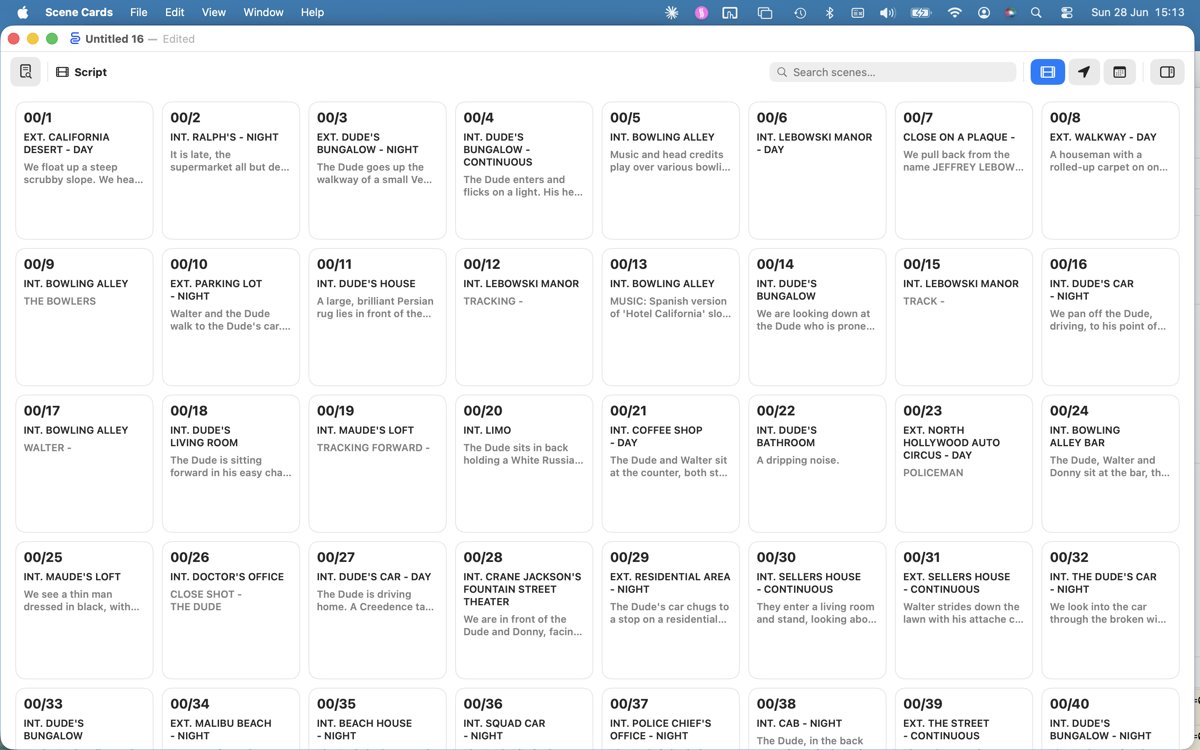
Import your script

Drop a PDF or FDX shooting script.
Scene Cards extracts every scene, heading, and location in seconds.
02

Build your wall

Your scenes appear as cards. Attach stills, add notes, colour by episode. The wall is your command centre.
03

Plan your shoot

Import a one-liner to see scene cards in schedule order and attach daily reports or handy reminders.
Built for production.

...and post-production.

01

Batch import your stills

Drag in a folder of photos from shoot. Scene Cards matches filenames to scene numbers and drops every image onto the right card — hundreds at once, nothing to sort by hand.

02

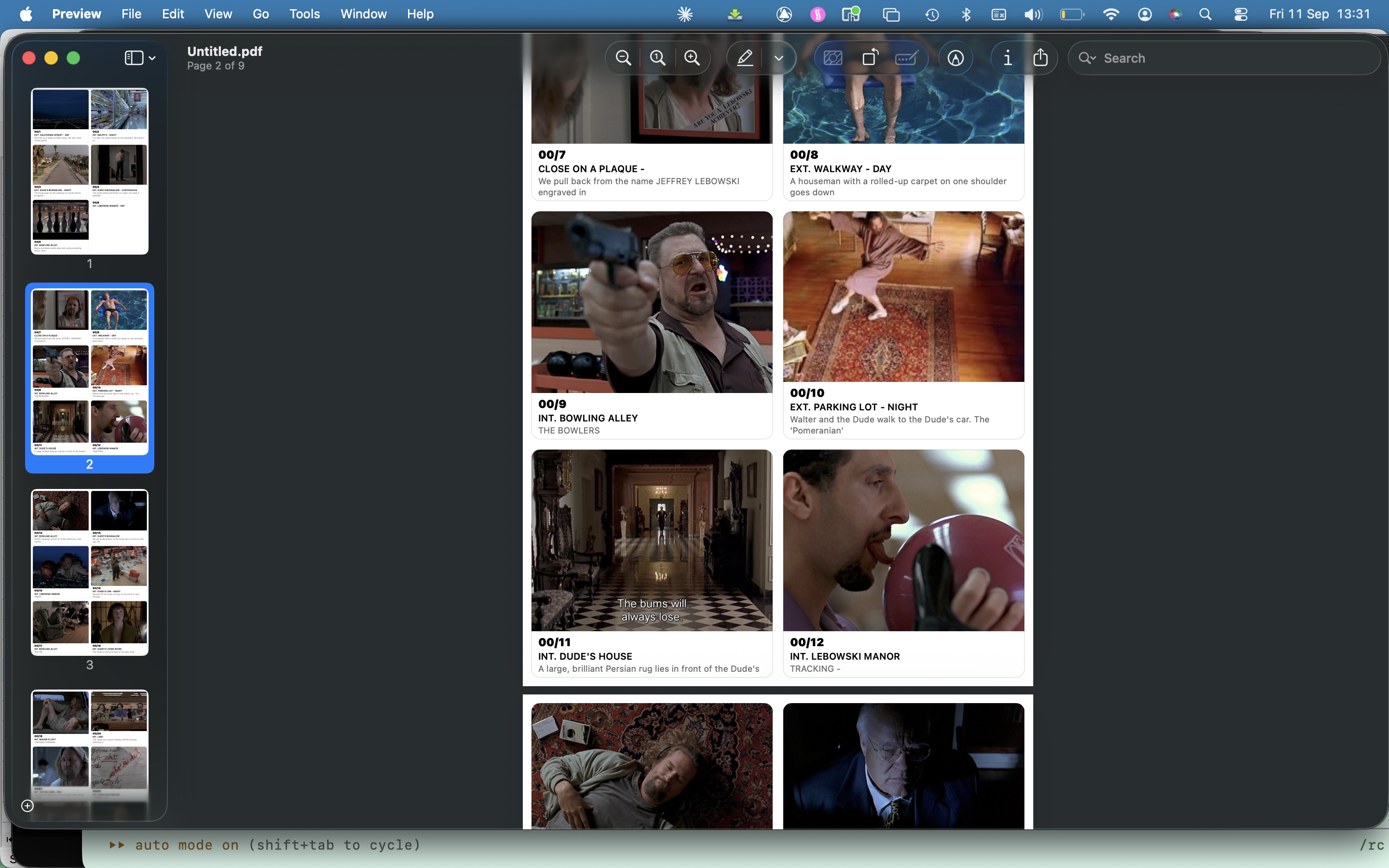
Print the wall

Six cards to an A4 page or one per A6 sheet, ready to pin up in the edit suite.

03

Attach the reports

Import continuity sheets, sound reports, and camera reports after each shoot day. Every take, timecode, and note is split apart automatically and filed straight into its matching scene.

Try free for 14 days.

Questions.

Scene Cards imports PDF shooting scripts and Final Draft FDX files. It handles film-style numbering, TV dot format (1.19), dash format (1-19), and slash format (1/19) automatically.

Yes. Scene Cards is a native app — everything runs on your device. Documents sync via iCloud when you're online, but the app works fully offline.

Absolutely. The iOS version is designed for on-set use. Attach photos directly from your camera, review scenes, check your schedule — all from your iPad or iPhone.

Scene Cards handles multi-episode TV projects with full episode support. Import scripts per episode, see episode dividers on your wall, and scope image imports to specific episodes.

Yes. Cloud Walls lets you share a wall with anyone on the production — macOS, iOS, and Android. Sign in with any email address (no Google account needed), create a Production, and invite crew by email. Edits sync in real time. Crew can also import point-in-time snapshots of the wall into their own documents at any time.

Your documents live on your device and in your iCloud account. When you use Cloud Walls, card and schedule data syncs via Firebase and is accessible only to members of your production. We have no access to your scripts or production data beyond what is needed to deliver sync. No advertising, no third-party analytics.

Scene Cards.

Available now on macOS, iOS and Android. Free to start.